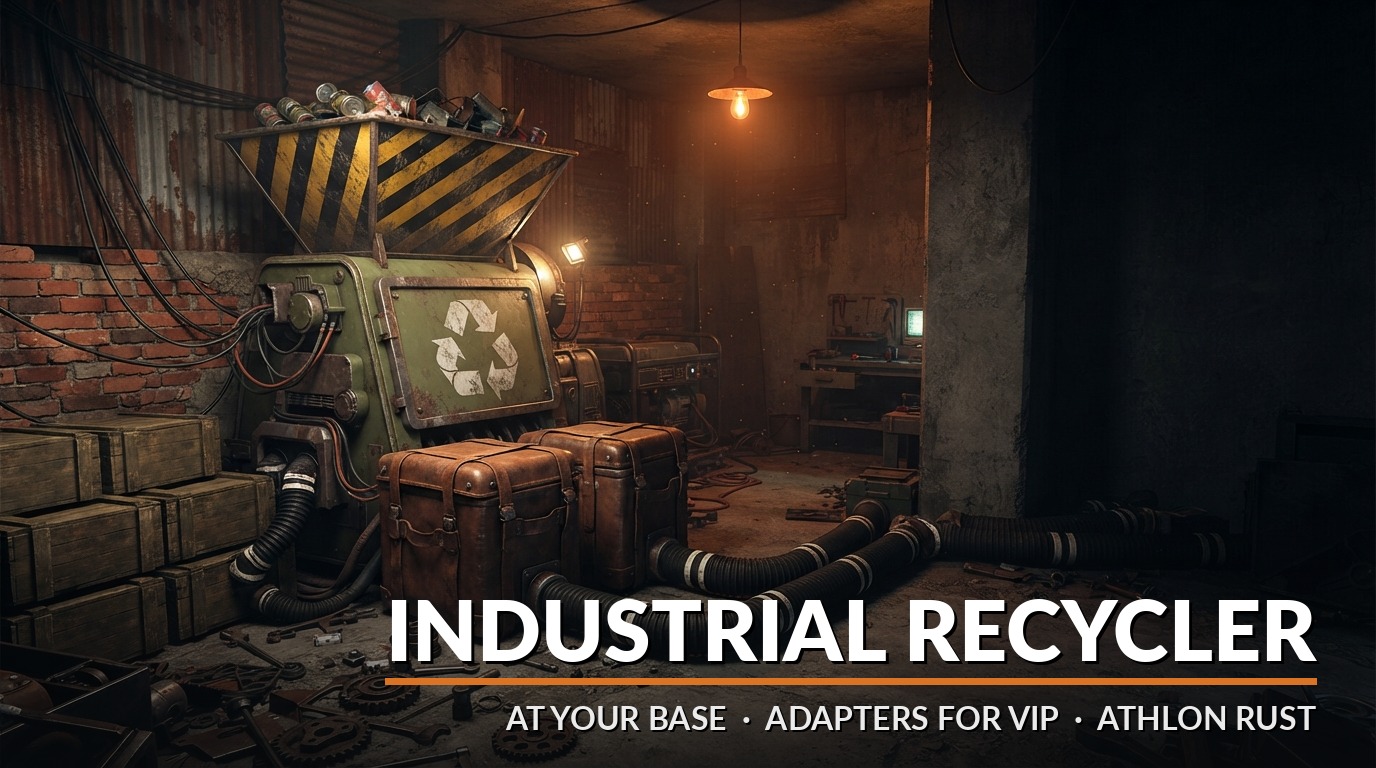
Your own recycler at home – no more running to monuments.
HOW TO GET
– Buy “Recycler 50% (70% VIP)” in the shop (/shop). You get an Industrial Recycler item.
– Limit: 1 recycler, VIP – 2.
HOW TO PLACE
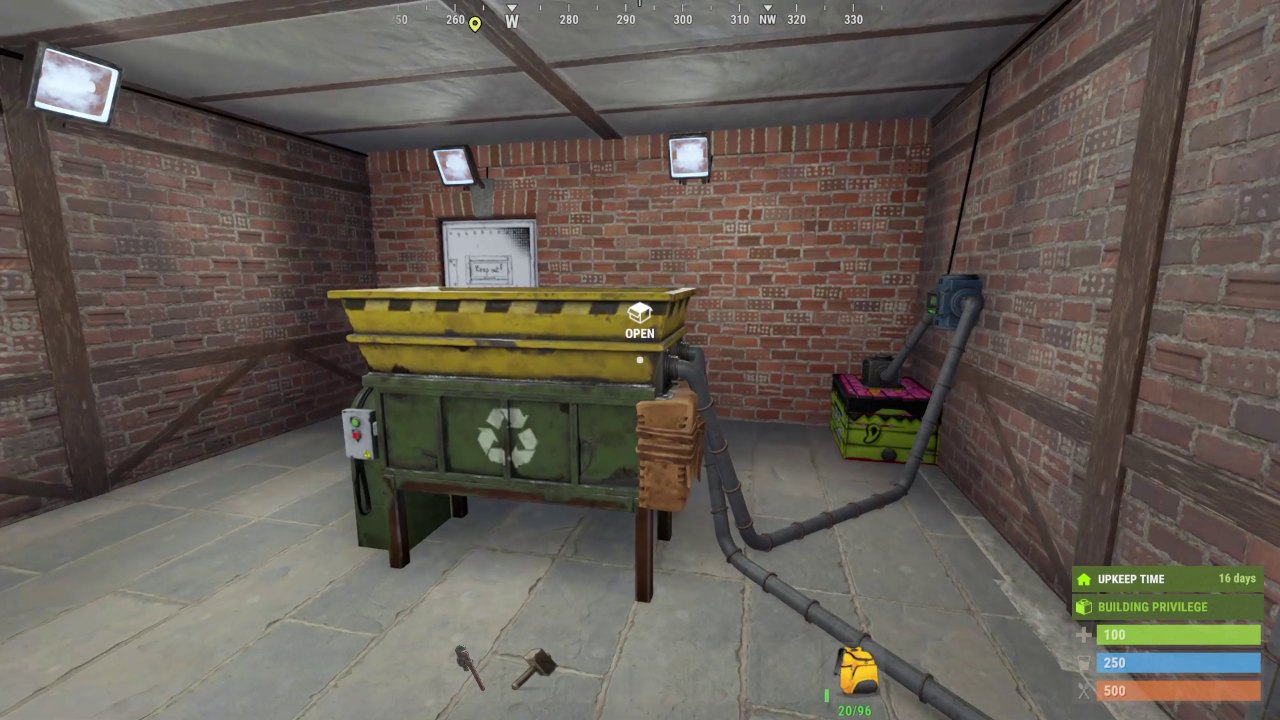
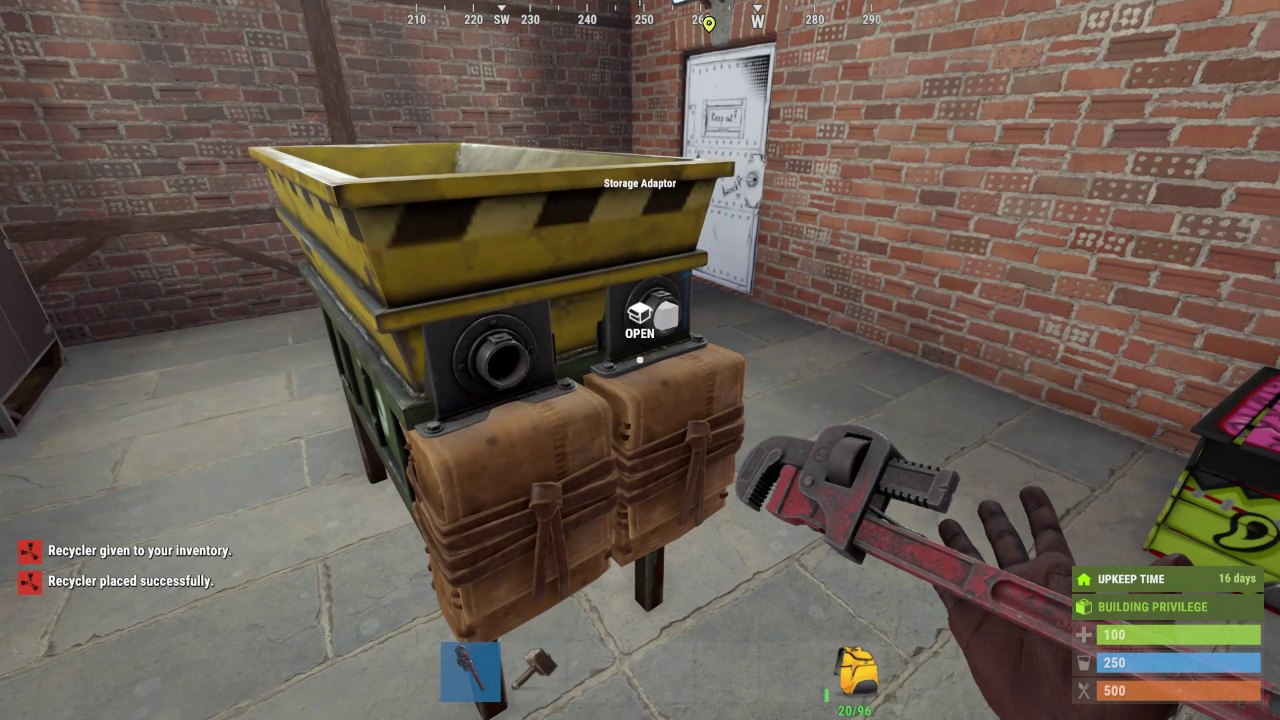
– Place the item on a foundation or a floor of your base – the recycler appears in its place.
HOW TO USE
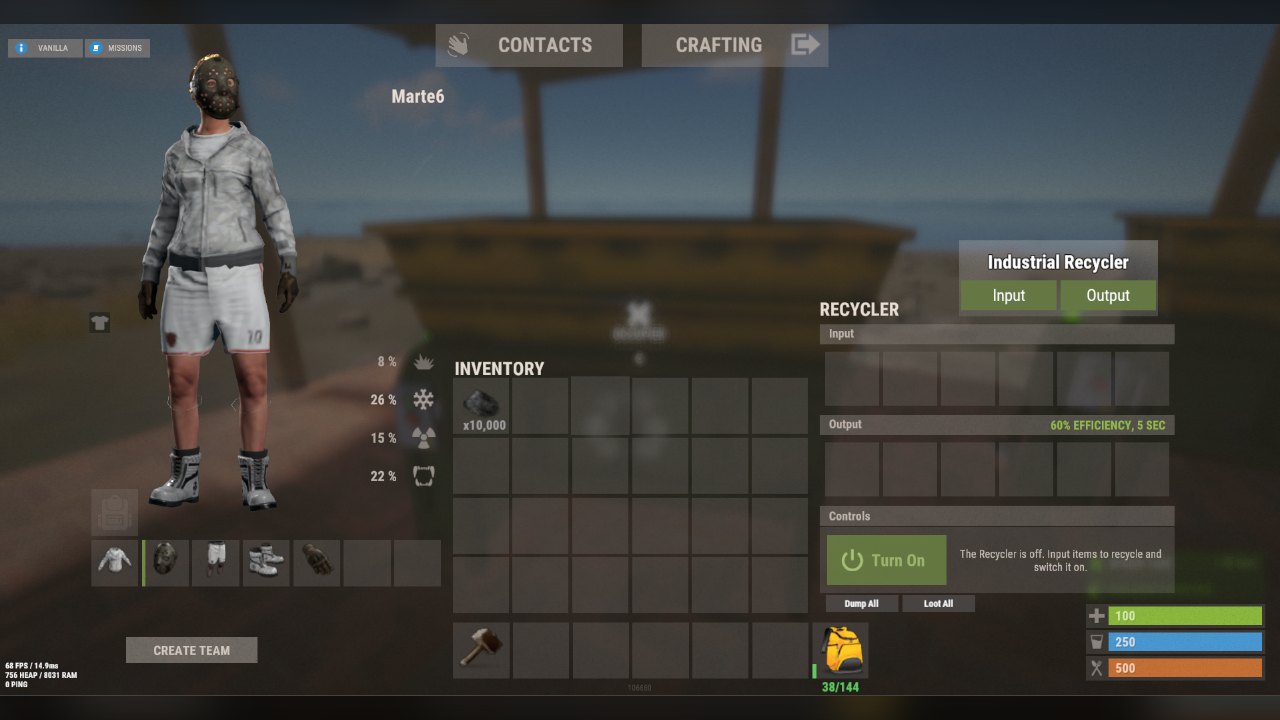
– Press E on the recycler to open it. Put items in, press Turn On.
– Efficiency: 50% of the resources back, VIP – 70%.
– You, your team and your friends can use it. Other players can’t.
ADAPTERS (VIP)
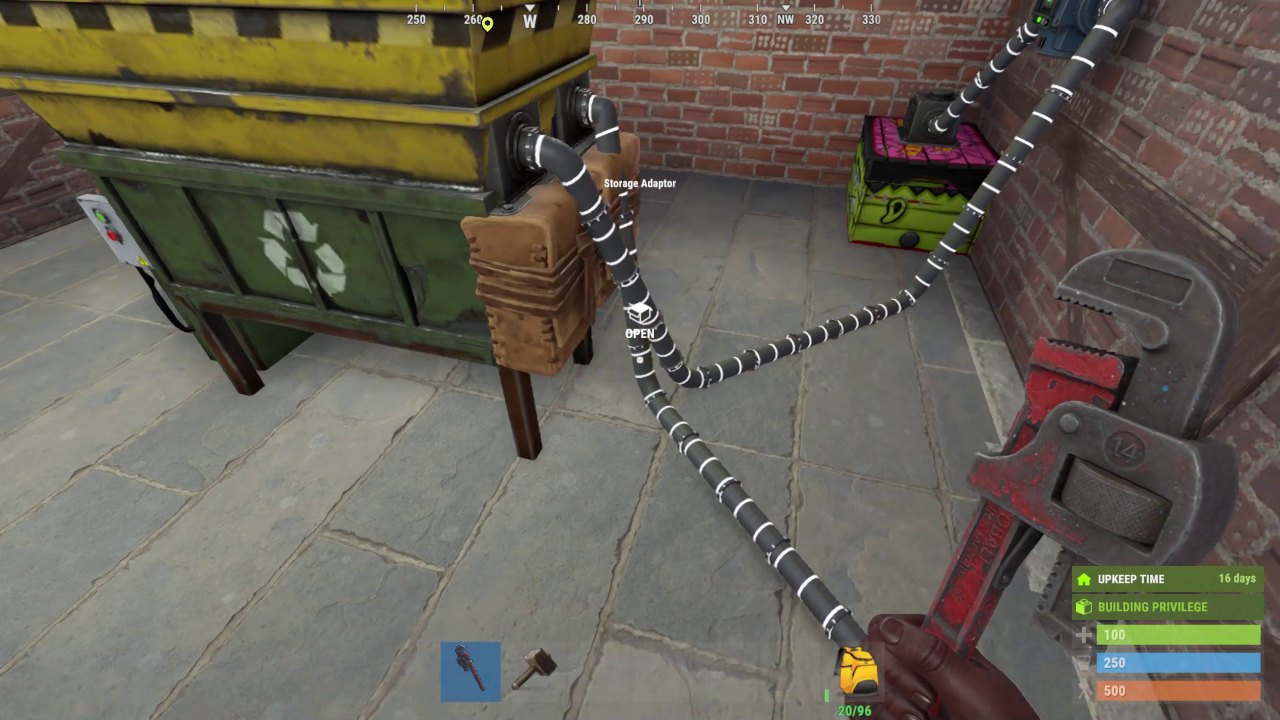
– The recycler has two storage adapters on the front: input and output.
– VIP players can connect industrial pipes to them: feed items in automatically from your boxes and send the result to other boxes.
– In the recycler window use the Input / Output buttons to open these storages.
– Without VIP the adapters don’t work.
HOW TO PICK UP
– Only the owner can pick it up: hit it with a hammer and the recycler goes back to your inventory as an item.
– Disconnect the pipes from the adapters first and take your items out.
GOOD TO KNOW
– Only the industrial recycler is sold. Recyclers that were already placed keep working as they are.
.
