Buy your own raid base and raid it! RaidHub is our window for choosing and buying raid bases.
HOW TO OPEN
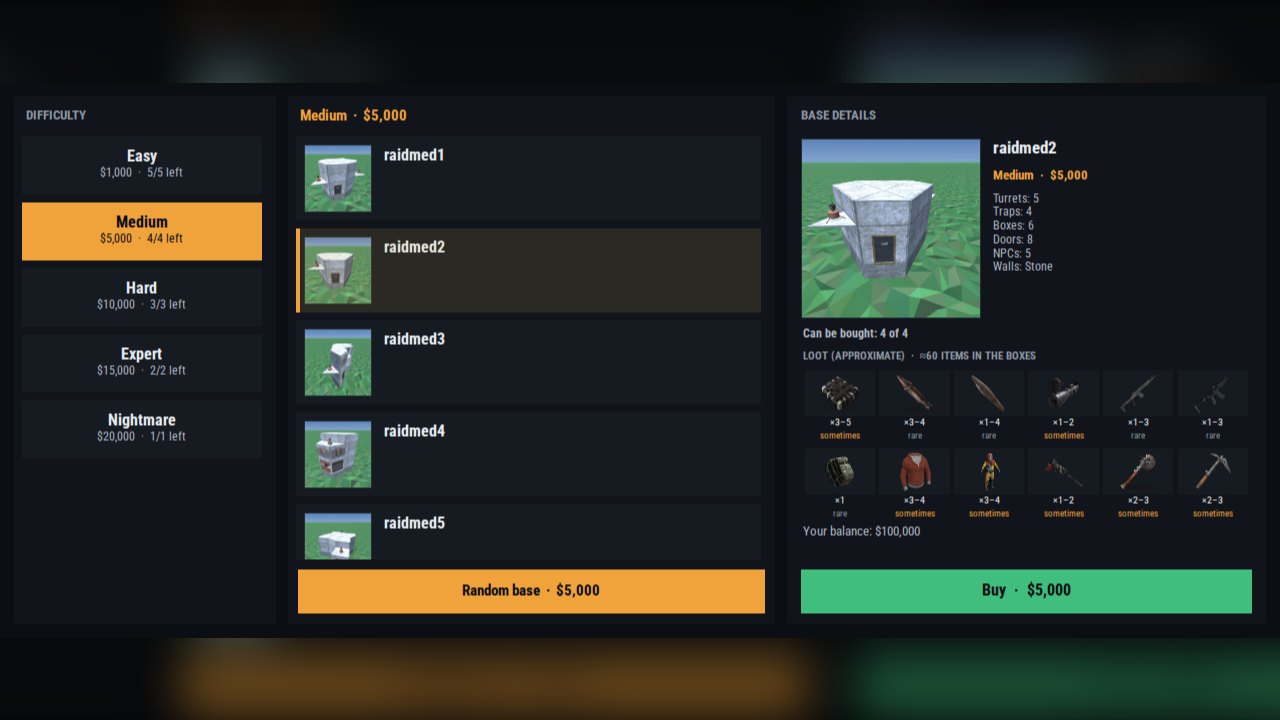
– Open the server menu and go to the “Raid Bases Selector” tab, or type /rs in chat.
HOW TO BUY
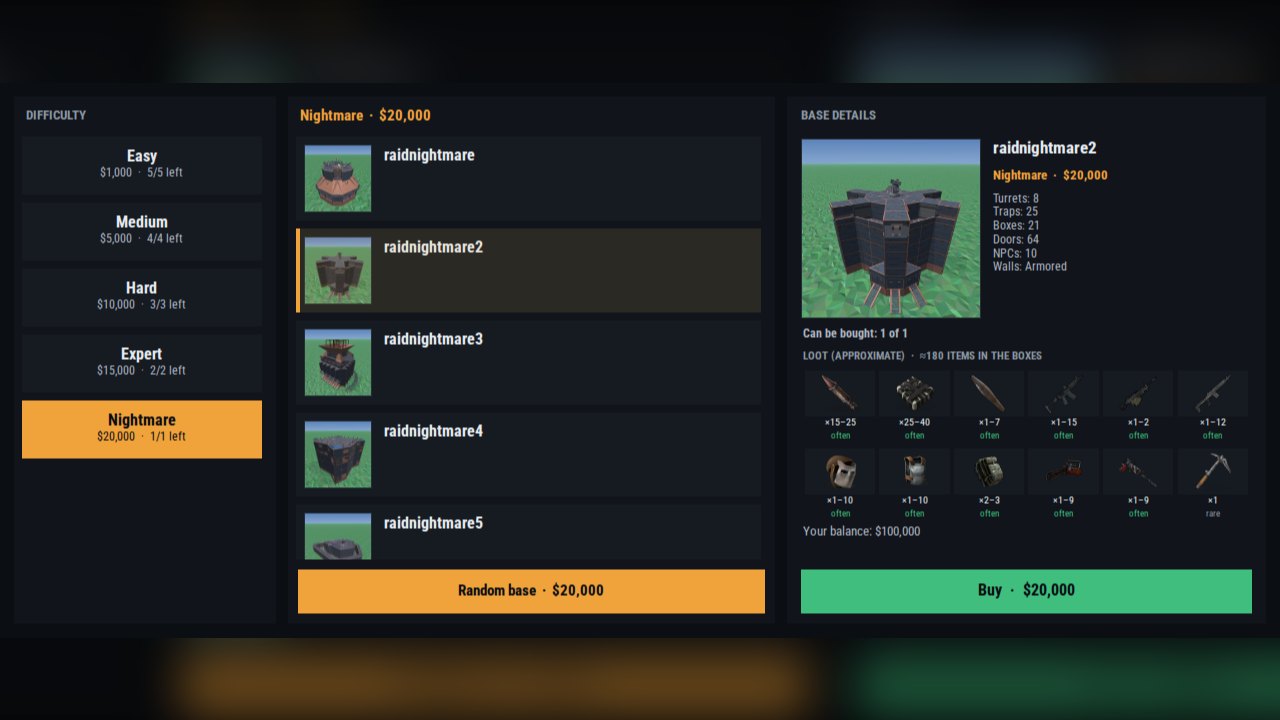
1. Choose a difficulty on the left: Easy, Medium, Hard, Expert or Nightmare. The harder the base, the better the loot.
2. Pick a base from the list in the middle – or press “Random base”.
3. On the right you see the base before you pay: its defence (turrets, traps, NPCs, doors and wall grade) and a loot preview (the main items in the boxes, how many and how often they drop: often / sometimes / rare).
4. Press “Buy”, then press it again within 10 seconds to confirm. The price is taken from your in-game balance (shown under the loot).
GOOD TO KNOW
– The base appears close to you and is marked on the map.
– Each difficulty has a limited number of raids at the same time – the window shows how many are left. When a raid ends, the place frees up.
– After a purchase there is a cooldown before you can buy the same difficulty again; VIP players have a shorter cooldown.
– If you can’t buy right now, the window tells you why: not enough money, limit reached, cooldown, or you already have an active raid.
.
